Construction reporting solutions
Related information
 Related topics
Sage Intacct provides reporting solutions for every phase of a construction project. This topic describes these solutions with links to in-depth information. Additional reporting resources are also available to help you discover data insights and enhance analysis.

Construction report types
Sage Intacct provides a rich set of standard application reports, custom and advanced reporting solutions to facilitate the efficient management of your construction projects.
For information on all available reporting offered by Sage Intacct, see Reporting solutions.
|

|
Standard application reports
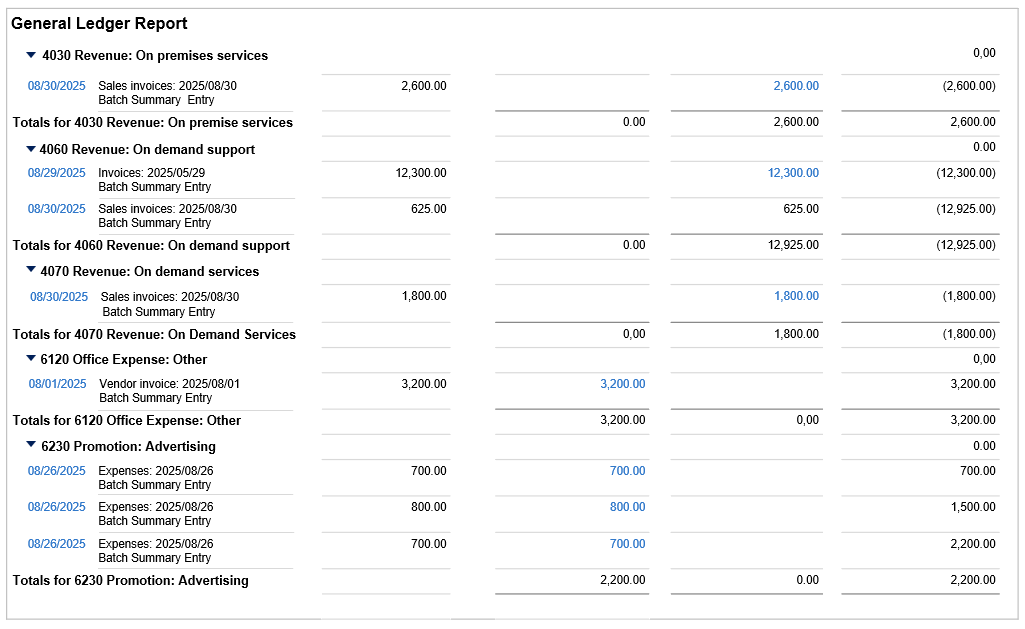
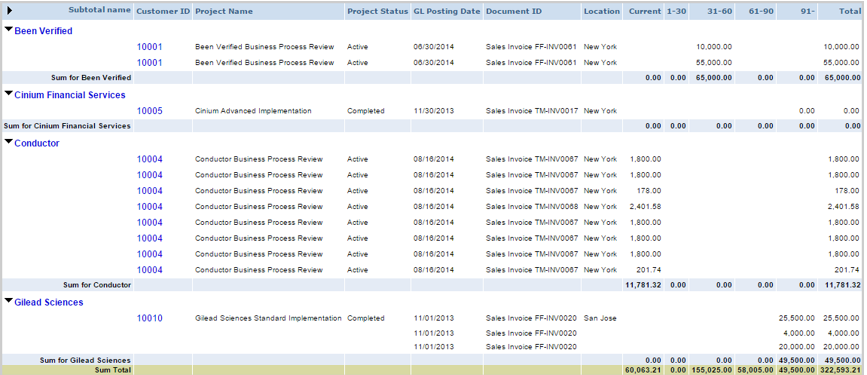
Project reports: View project accounting, health, progress, and billings. Customer Aging Reports: Track receivable income by customer, date received, or days past due. Vendor Aging Reports: Track payments to vendors, date paid, or days past due. General Ledger reports: View and analyze company finances. |
General Ledger
|
|

|
Custom reports
Custom Report Writer (CRW): Analyze specialized project details, financial and/or non-financial data using a wide selection of reporting areas. |
Custom Report Writer
|
|

|
Advanced interactive reports
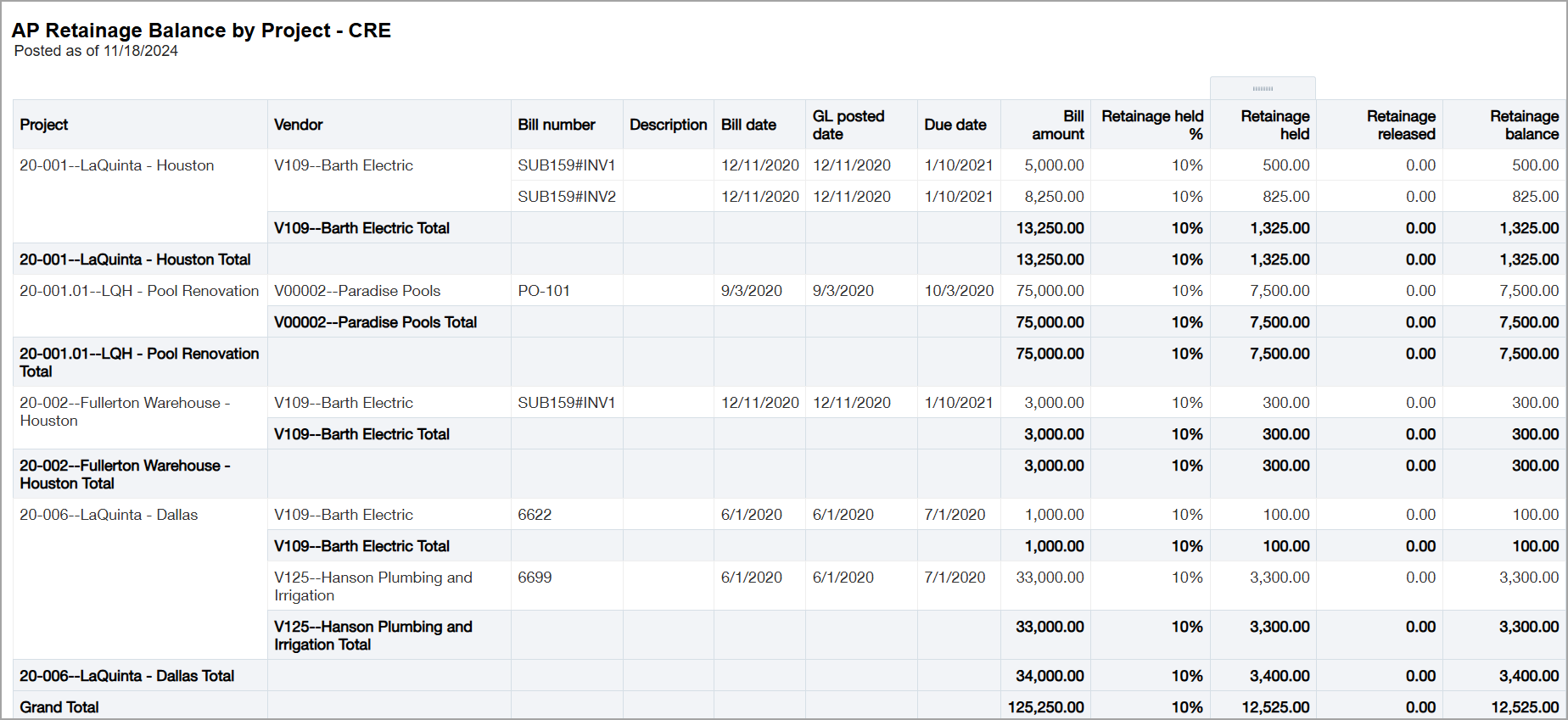
Interactive Custom Report Writer (ICRW): Create customized project analysis with real-time results from a wide range of reporting areas.
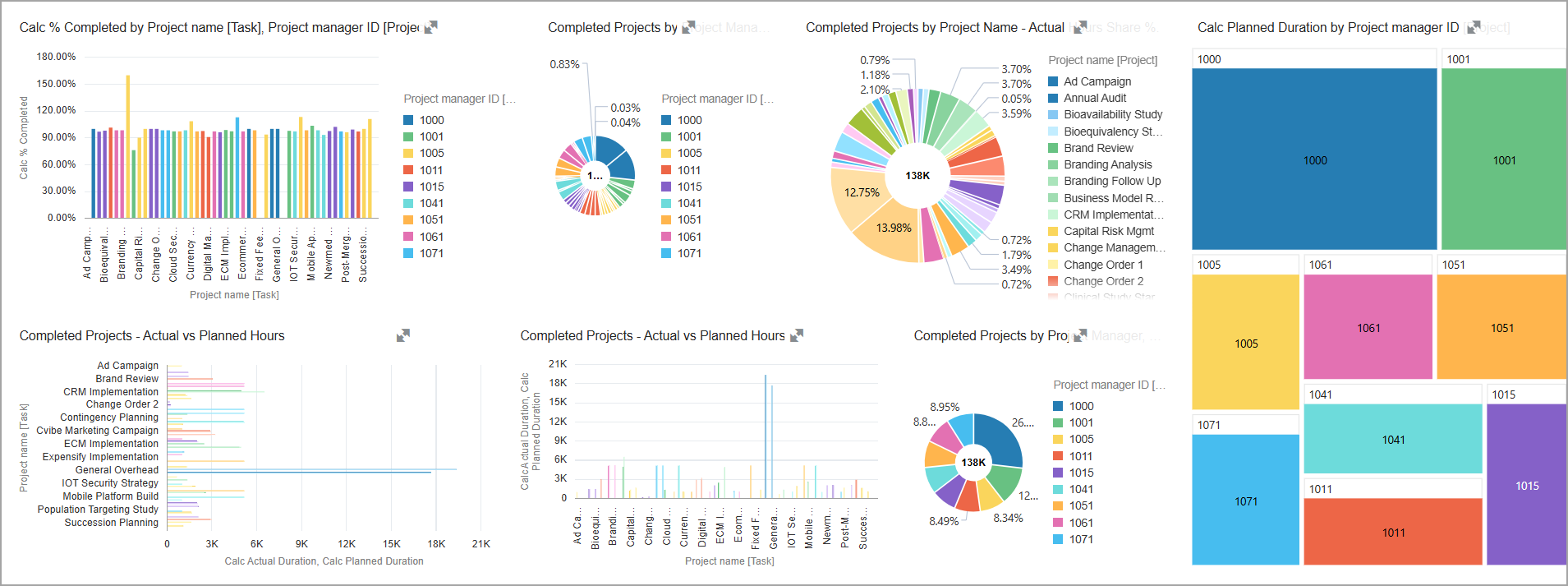
Interactive Visual Explorer (IVE): Gain insights into project details and trends in real-time with a wide range of data visualizations. |
ICRW: AP Retainage Balance by Project
IVE: Projects Overview
|
Construction reports
Sage Intacct provides suites of reports for managing and tracking construction projects, from inception to profitability.
You install Sage Intacct standard application reports through Customization Services or Platform Services. You can then duplicate the report and modify the duplicated version. For more information, see Project reports.

Sage Intacct offers the following robust suites of prebuilt reports:
The ICRW report library offers the following prebuilt reports tailored for construction.
- Construction Project: Accounts Payable and Purchasing reports
- AP Snapshot and Aging reports
- Construction Retainage: Accounts Payable reports
For a complete list, see the ICRW Construction Report library.

Sage Intacct offers the following robust suites of prebuilt reports:
The ICRW report library offers the following prebuilt reports tailored for construction.
- AR Snapshot and Aging reports
- Construction Retainage: Accounts Receivable reports
- Construction WIP reports
For a complete list, see the ICRW Construction Report library.

Sage Intacct offers a robust suite of prebuilt General Ledger reports.
The ICRW report library offers the following prebuilt reports tailored for construction.
- Construction Project: Cost and Estimate reports
- Construction Commitment reports
- Construction Vendor Compliance reports
For a complete list, see the ICRW Construction Report library.

Additional reporting resources
Utilize the following resources to enhance construction project management:
