Cash Management
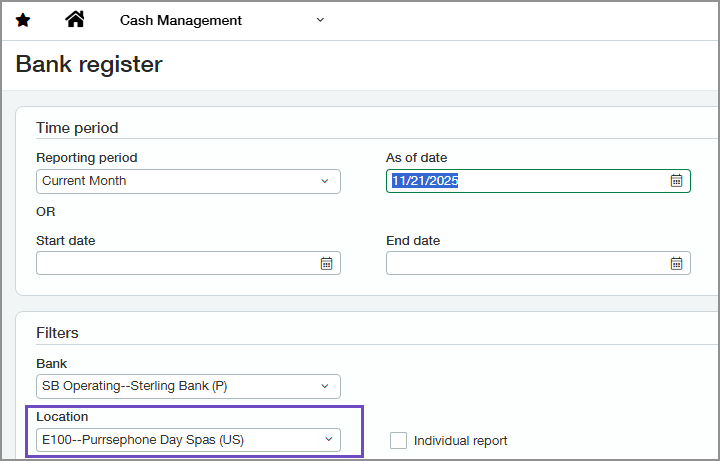
In the Bank Register report, the entity location is included automatically
The Bank Register report now automatically includes the entity’s location when run from within an entity, preventing errors related to missing locations.
How it works
- Go to the entity for which you want to generate the Bank Register report.
-
Do one of the following:
- Go to Cash Management > All > Reports > Registers > Bank.
- Go to Reports > All > Reports center and open the Bank Register report definition.
When the report page opens, the Location field in the Filters section is already populated with the location for the entity.
Permissions and other requirements
| Subscription |
Cash Management |
|---|---|
| Regional availability |
All regions |
| User type |
Business, Employee, Project Manager |
| Permissions |
Bank Register: Run |
