General Ledger
Streamlined Dynamic Allocations setup for source data
Dynamic (account) Allocations are designed to pull source balances automatically and distribute them across dimensions, according to the calculation method set as the basis. When you create the account allocation definition, you specify the source and target account group, or what you want to allocate and where you want to allocate it.
You can now use the source account group as the target for the allocation. With this enhancement, you can allocate the account balances across dimensions while maintaining the original account balance with one allocation definition.
Key benefits
-
Design complex scenarios such as expense allocations.
-
Easily match allocations to reporting requirements and stakeholder expectations.
How it works
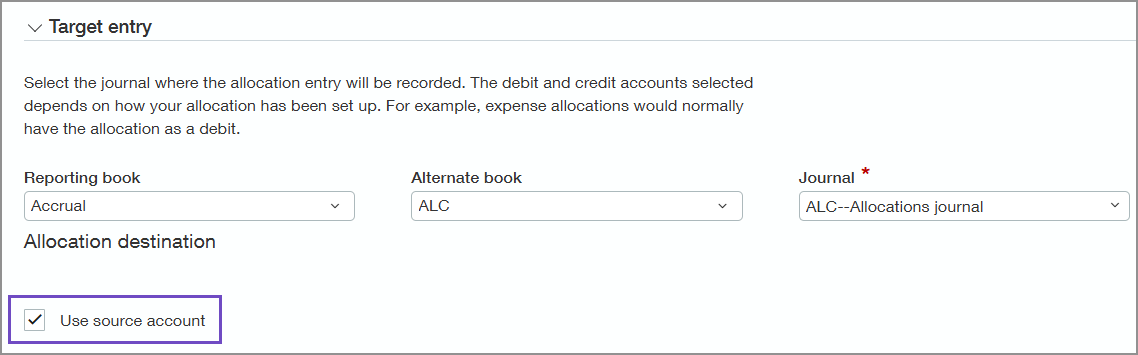
We've added a Use source account checkbox in the Target entry section for the allocation destination. Select Use source account to use the account group selected in the Source pool section as your target destination.
Permissions and other requirements
| Subscription |
Dynamic Allocations General Ledger |
|---|---|
| Regional availability |
All regions |
| User type |
Business |
| Permissions |
General Ledger
|
