consolidation
Consolidation data table for faster processing—Early Adopter
We've made Sage Intacct Consolidation subscriptions and reporting faster and more efficient. When you run a consolidation, Intacct now writes consolidation entries to a new data table. Any book or ownership structure you create going forward will write to the consolidation data table, while legacy books will continue writing to legacy journals in General Ledger.
Use the same process to generate financial reports and standard reports. You can use the Custom Report Wizard to report on consolidation entries from new books that you create and any existing ownership structures in Advanced Ownership Consolidation.
Intacct distinguishes new consolidation books from legacy books by adding a Legacy book setting with new books set to No.
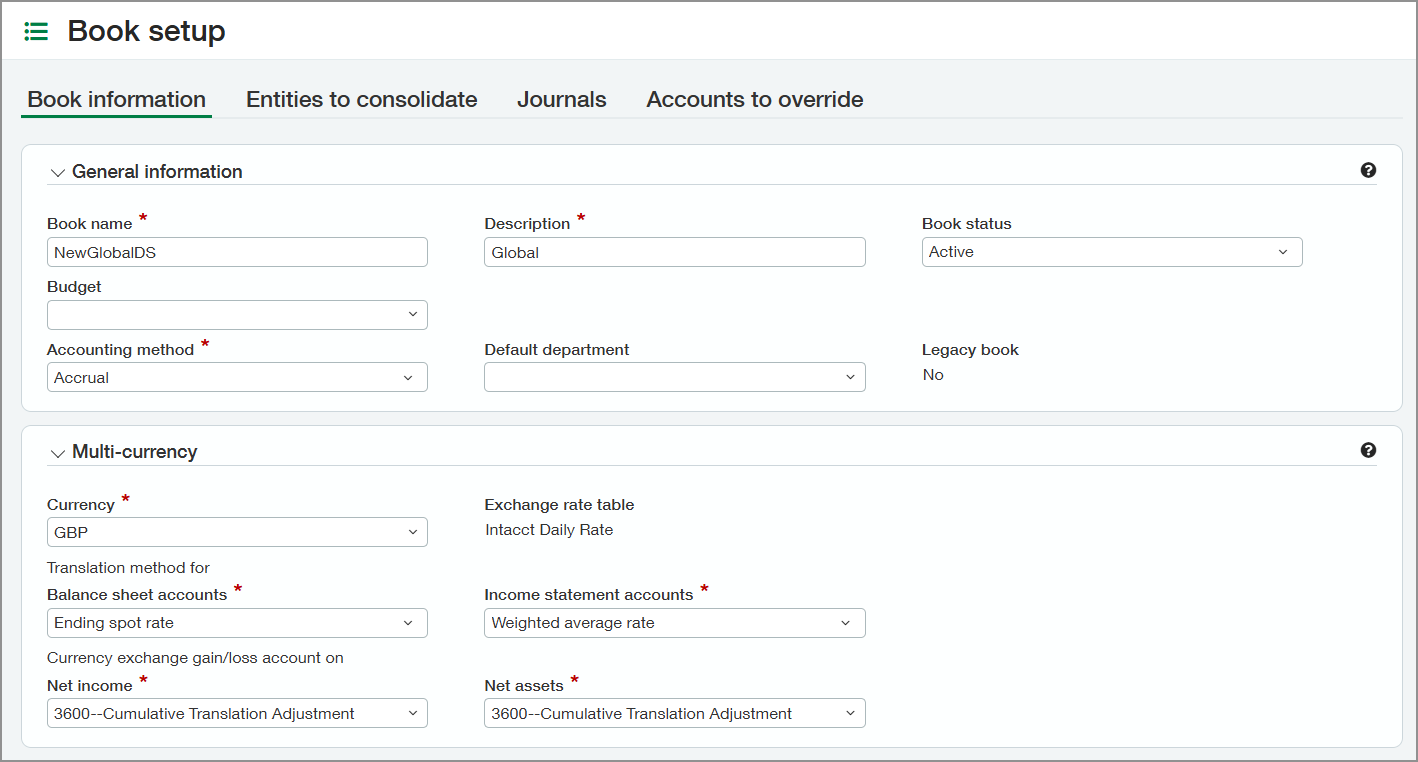
Because Intacct now writes consolidation entries to the new table, there's no need to write to journals. You can still include user-defined books in any consolidation book you create. Intacct automatically adds all the journals from your user-defined book to your new consolidation book.
Key benefits
- Experience faster consolidation processing.
- Run faster financial and standard reports on consolidation data.
- Use the Custom Report Wizard to produce more powerful reports that use consolidation entries and related data, such as dimensional data and exchange rate details for each line item.
How it works
After you create a new consolidation book using the new consolidation table, the consolidation process works the same. The new data tables enable a more streamlined consolidation process that saves you time.
You can upgrade a legacy book by creating a new book with the same information and running the consolidation book.
Create a new consolidation book. You can upgrade a legacy book by duplicating an existing book.
Note: Your new consolidation book needs no journal.Run your consolidation as usual.
Run standard reports, financial reports, or custom reports on the consolidation entries.
See how much faster and smoother the process is now.
Good to know
Using the new consolidation table, you can run reports on new consolidation books and ownership structures in the Intacct Custom Report Wizard.
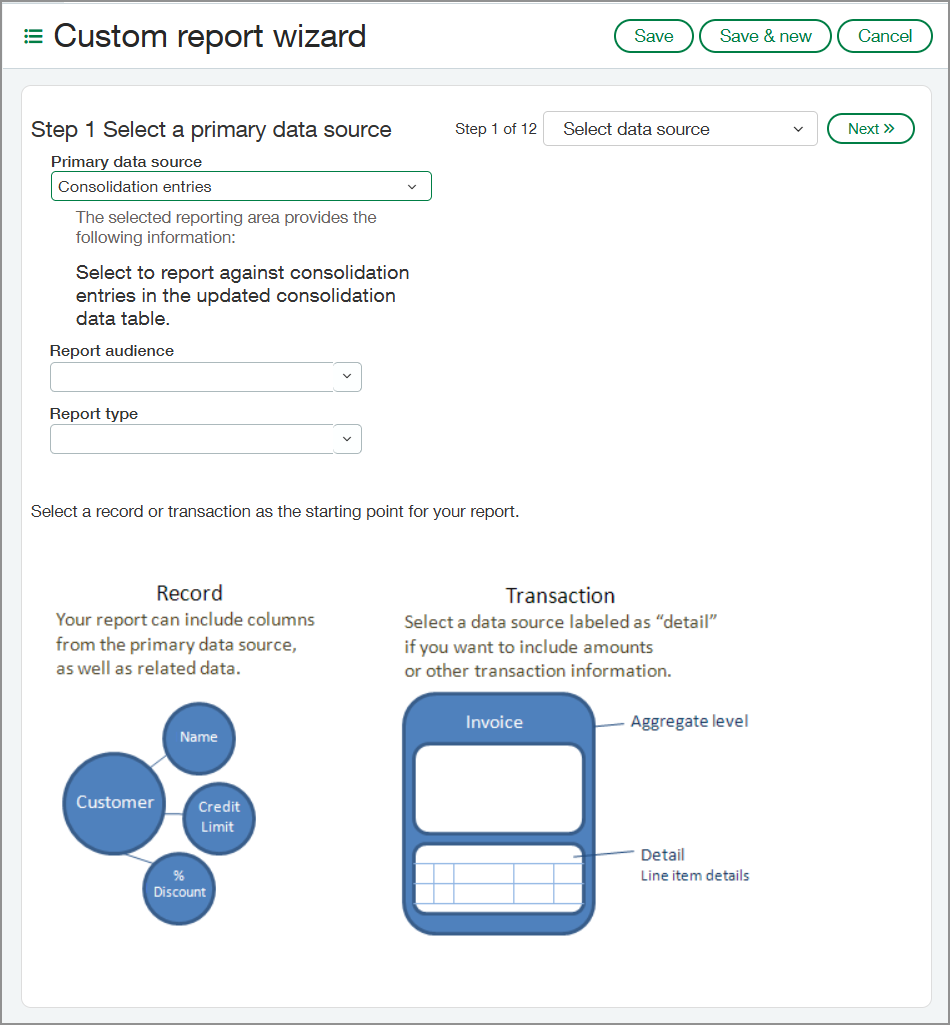
Run the Custom Report Wizard.
For the primary data source, select Consolidation entries.
The Custom Report Wizard runs a report against the consolidation entries in the updated consolidation data table.
You can still report on legacy books. Alternatively, you can create a new book using the legacy book information, run a consolidation on that book, and then run any report you like.
Join the Early Adopter program
We invite you to explore the capabilities of the new Consolidation data table as an Early adopter.
Your insights are incredibly valuable. Sign up using the form below for an opportunity to get early access and help shape the future of this feature.
If you’re selected, you’ll receive an email with program details, expectations, and next steps. You’ll work closely with the Product Manager and provide feedback throughout the program to help improve the experience.
Sign up for the Consolidation data table Early Adopter program.
Permissions and other requirements
| Subscription | Domestic Consolidation Or Global Consolidation |
|---|---|
| Regional availability | All regions |
| User type | Business user with admin privileges Business Employee |
| Permissions | Global Consolidation
Advanced Ownership Consolidation
|
| Migration | You can upgrade a legacy book by creating a new book with the same information and running the consolidation book. |
| Restrictions | Available in the following cases:
|
